ToDoT CA BricsCad - pdf e stampa automatica
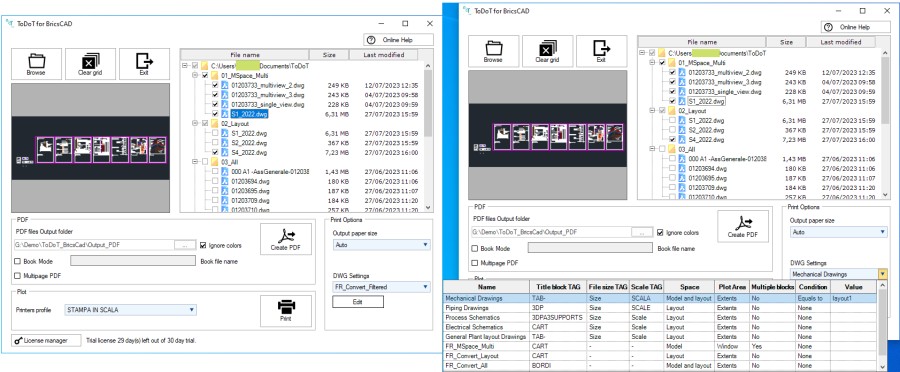
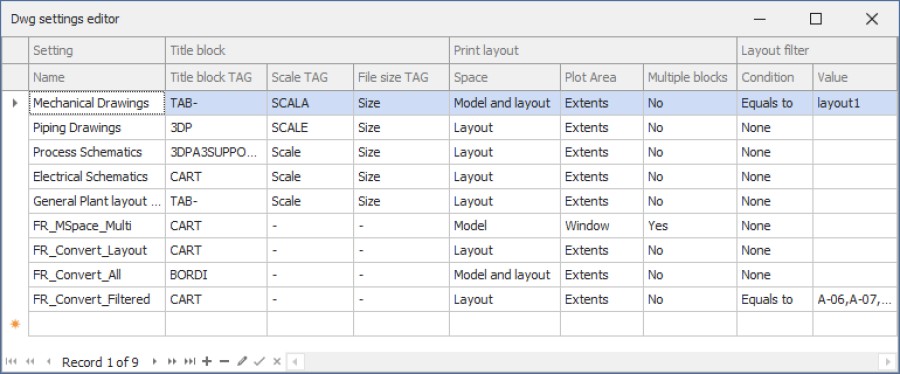

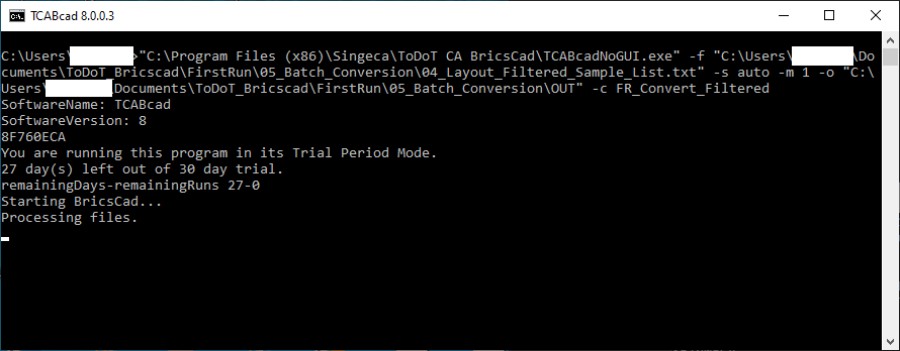
ToDoT CA BricsCad is an application designed to facilitate the conversion to PDF and printing of DWG files both from a graphical interface and from the command line. The strengths are: - processing of files contained in a folder or a list of files; - processing areas of the model without using paper space; - forwarding of prints to the appropriate device based on paper size; - automatic calculation of the size of the target format; - union of all pdf files into a single file.
- Process areas of model space bounded by standard or custom-sized blocks
- Filter the paper space layouts to process by their name, using simple rules
- Printing with automatic forwarding of prints to the appropriate device based on the paper size
- Command line execution using appropriate parameters
- Processing of drawings contained in folders and/or subfolders with selection of individual files
Description
Utility program to perform the following operations in fully automatic mode: 1. Convert DWG files to PDF; 2. Print DWG files; It is possible to use the program with a graphical user interface or from command line. With graphical user interface: • Select the folder containing the DWGs to be processed. • A tree structure of the file system will be loaded in main window starting from the selected folder, with all the subfolders and the DWG files contained therein. • Each folder and each DWG have a tick. Unchecking a folder unchecks all the items it contains. Uncheck individual DWGs to exclude from processing. • Select the destination folder of the converted PDF files. • Set whether to generate a file containing all the PDF files generated and name it. • In the case of printing, set which printers to print the various formats on. • Set the size of the target format for processing. It can be a pre-set format or automatically calculated. From command line: • Arrange for the valorisation of all the parameters necessary for the processing. The list of files to be processed and all the other options available from the graphical user interface can be set easily. Quick guide with step by step instructions: https://www.singeca.it/en/todot-ca-help/bricscad-user-guide/


BricsCAD Pro V19 - V23
Windows
+39 0523078168